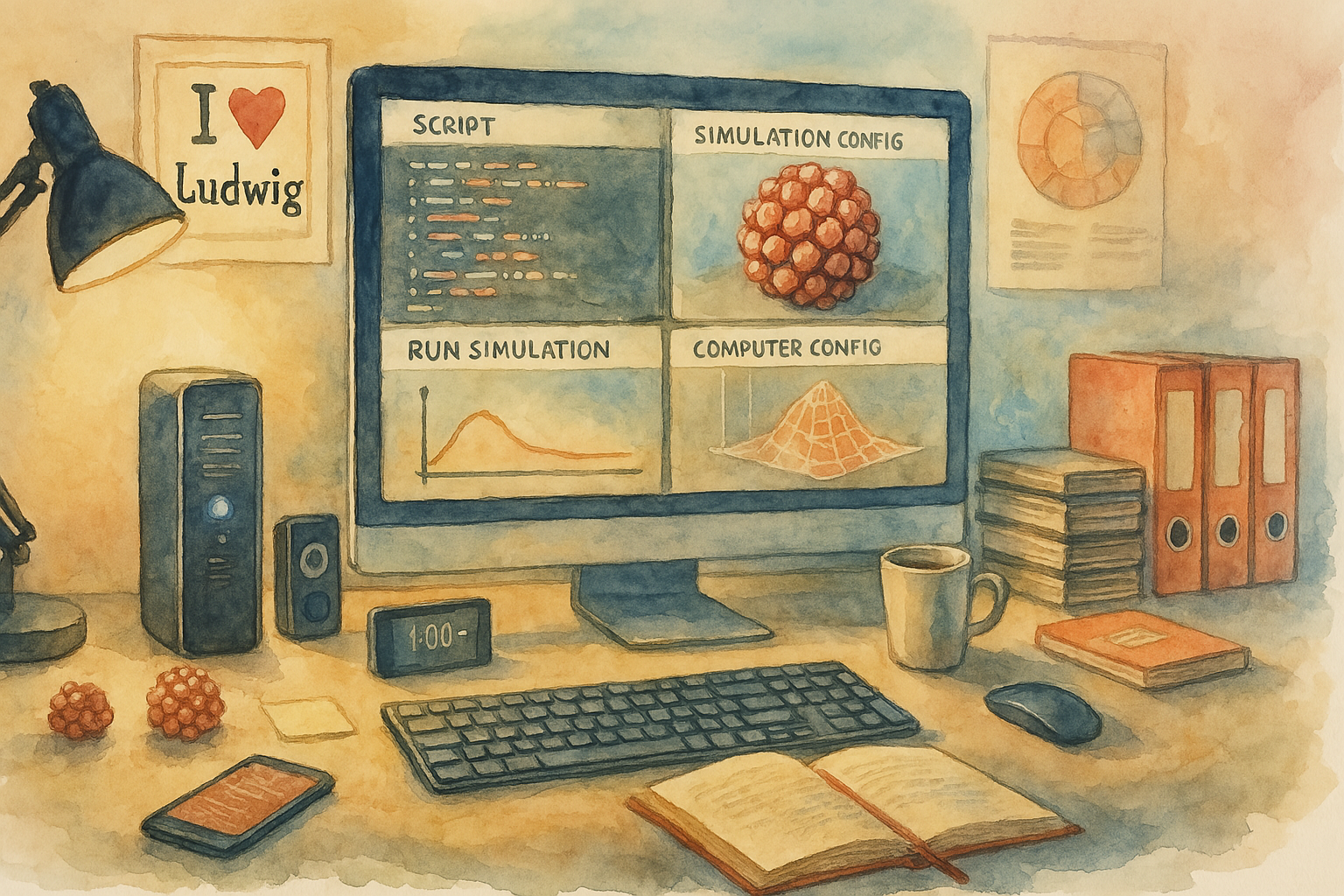
Demo #2. Our Simulation Platform is evolving!
What's new? Click to expand
Thanks to your feedback, RoseWorks is now even more user-friendly. We've introduced syntax highlighting for script editing, and restructured the platform into intuitive forms that guide you step-by-step through your simulation setup.
To celebrate this major update, we've released a refreshed Demo!
In this demo, you'll see how to:
- Set up and preview your simulation.
- Select compute resources and launch simulations.
- Monitor progress with real-time analytics.
Here's a short video demonstration, best viewed in fullscreen. Scroll down for all the details!
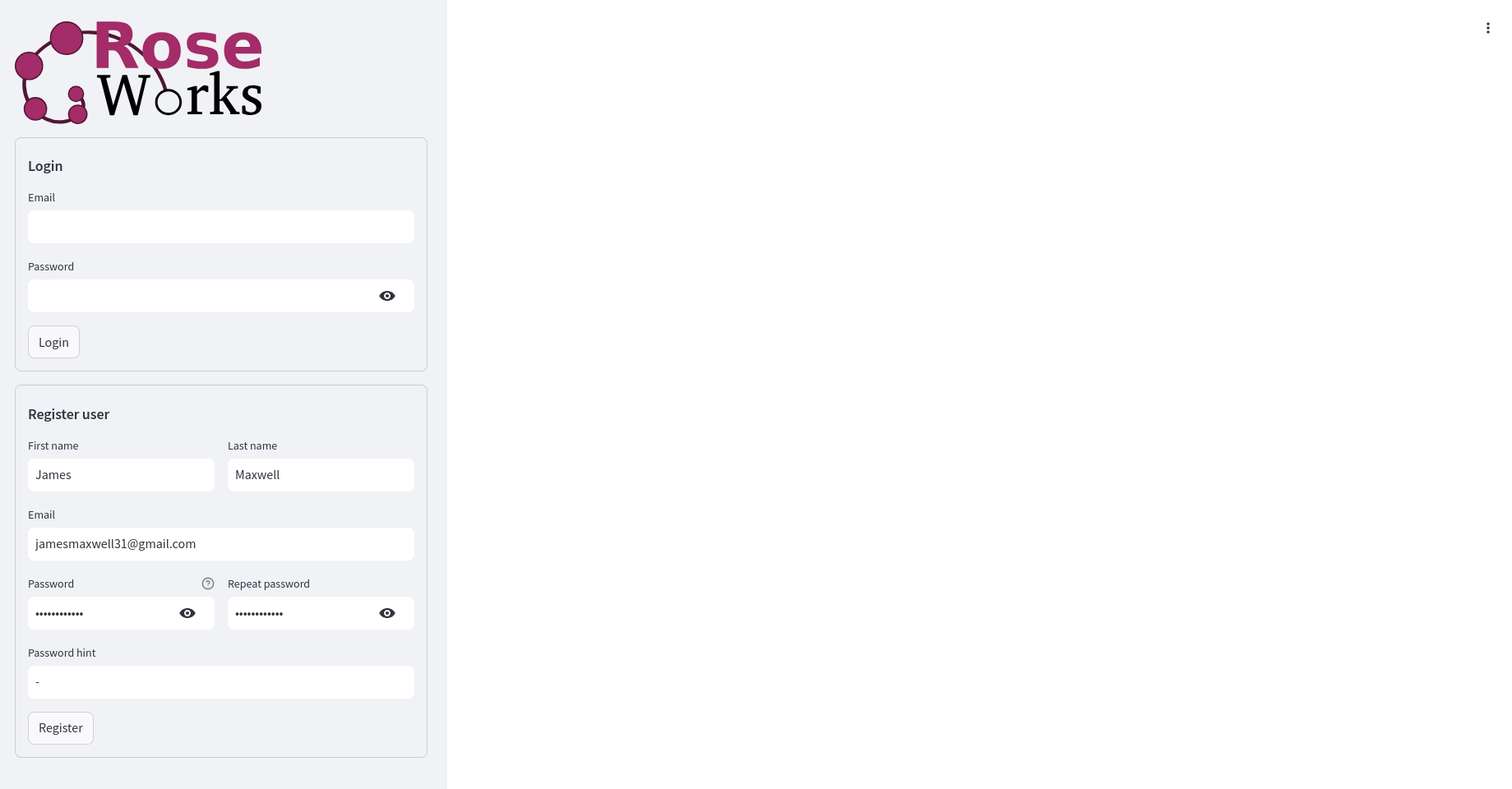
Registration
Anyone can register — it's free, and you can start running simulations right away.
Want to be closer to the metal? Want more free computation and access to the newest features? Email [email protected] and ask to join our Early Adopters.
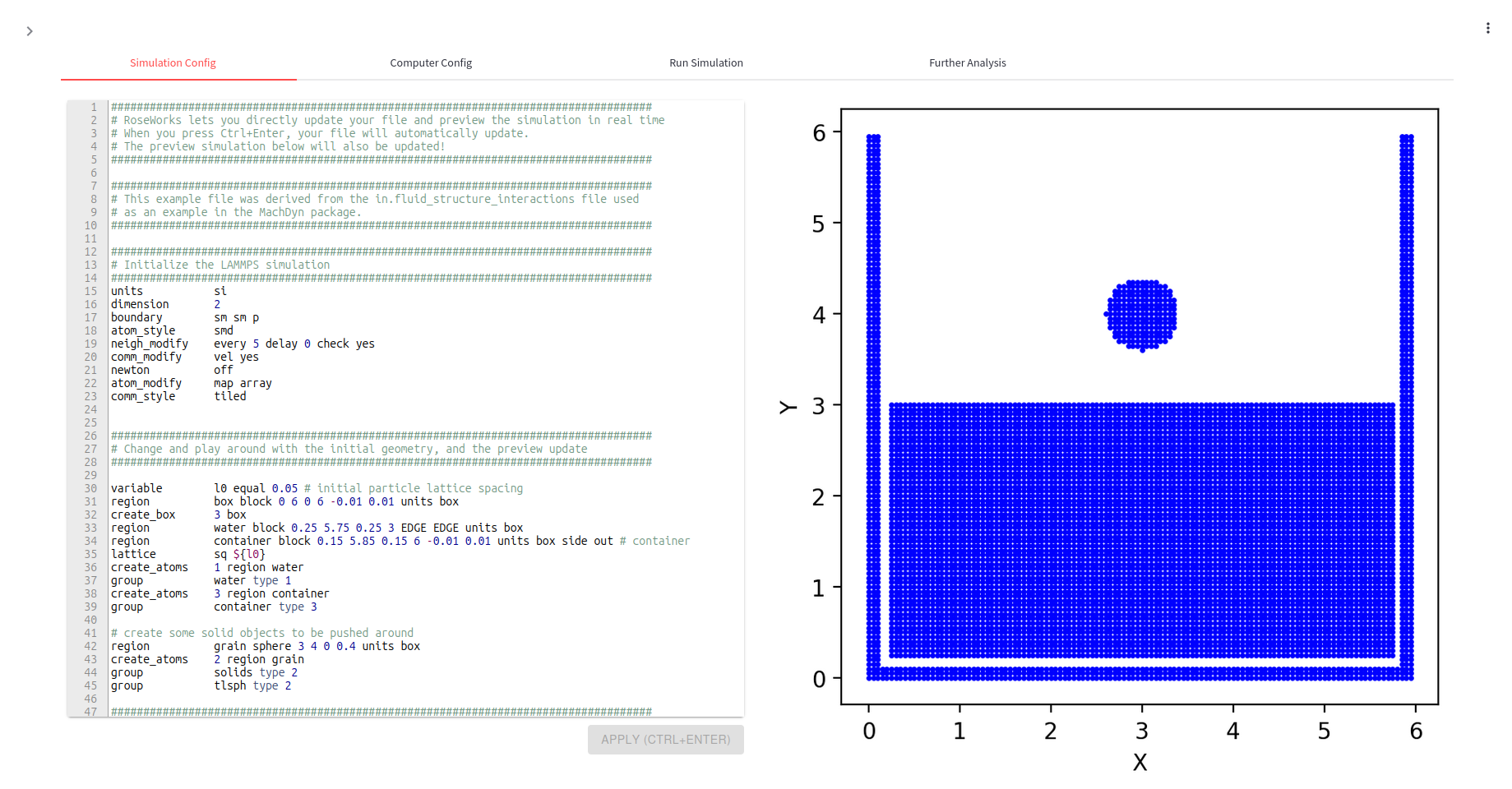
Simulation Config
This is where you build. Add objects, define material properties, and specify the physics you want to see in action.
You can:
- Upload your own files
- Edit an example
- Or build from scratch
We're continuously rolling out tools to enhance your experience — stay tuned!
Compute Config
How much horsepower do you need?
Right now:
- Basic users get up to 2 parallel cores
- Early adopters can go up to 4 cores
In a future release, we will raise core limits on a pay-as-you-go basis.

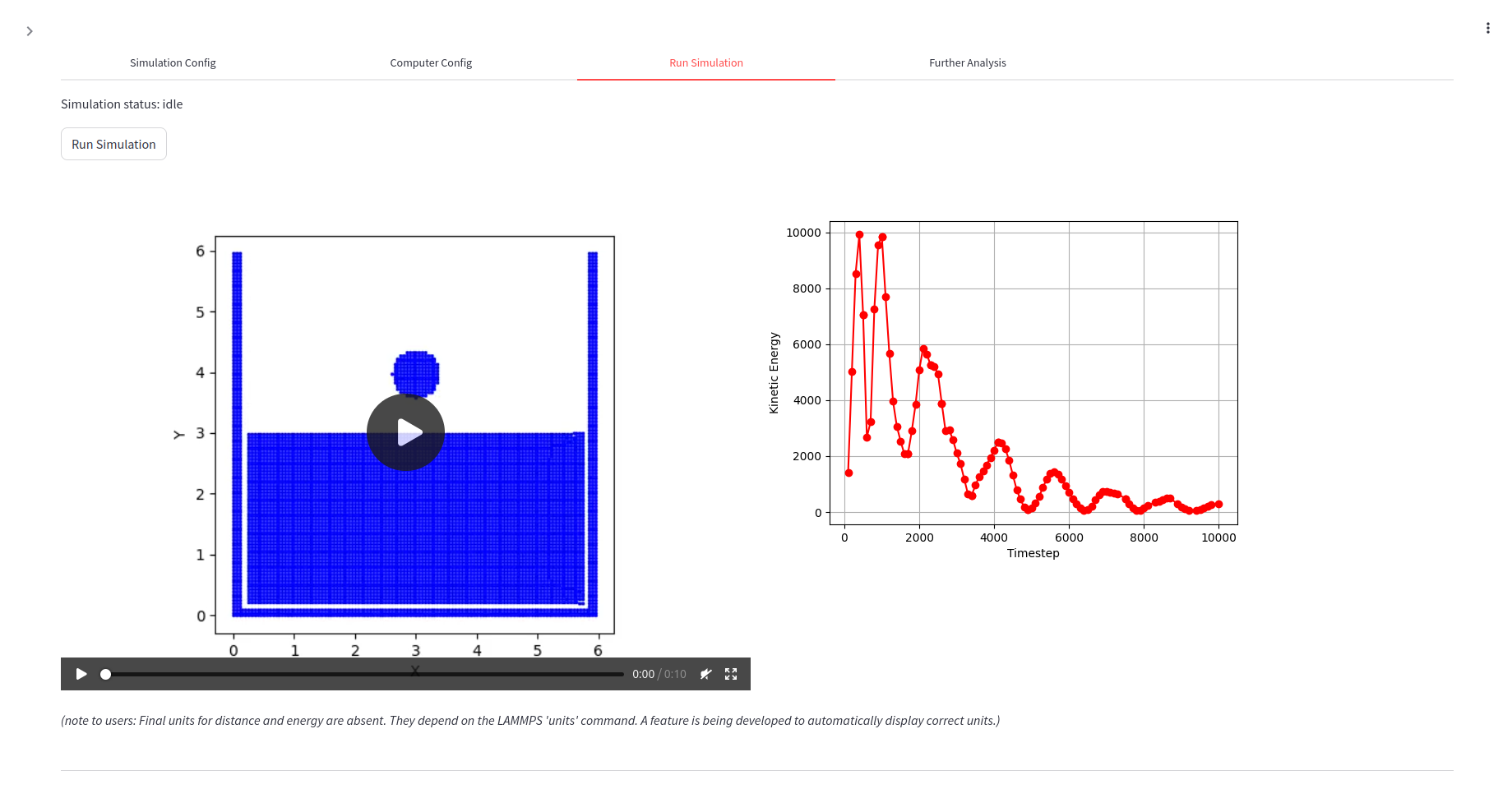
Run Simulation
Hit RUN and watch your simulation unfold in real time.
With live analytics of kinetic energy, you'll always have a pulse on your simulation run.
What about post analysis?
For now, you can download your results for local analysis. But here's what's coming soon:
- More computation — get access to more cores and faster simulations
- Smart notifications — get alerts when your simulation ends
- Enhanced config tools — setting up your use cases is about to get even easier!