
CAD 2.0: Can Computer-Aided Design be better?
Have you ever tried to use CAD software, only to be disappointed that it takes days (and weeks) to get anywhere with it? Whether you trained as an engineer, or you gave SketchUp a spin one weekend, you’ve probably played with a CAD interface at least once in your life.
Between the 70s and early 2000s, Computer-Aided Design displaced drafting on paper as a tool to help designers bring ideas to life. Everything from cars to planes to skyscrapers can be designed and rendered by the designer, and it gave a range of advantages such as visualizations for clients and easier collaboration for larger design and engineering projects. But you may be surprised by the state of CAD today vs. the CAD of the 70s.
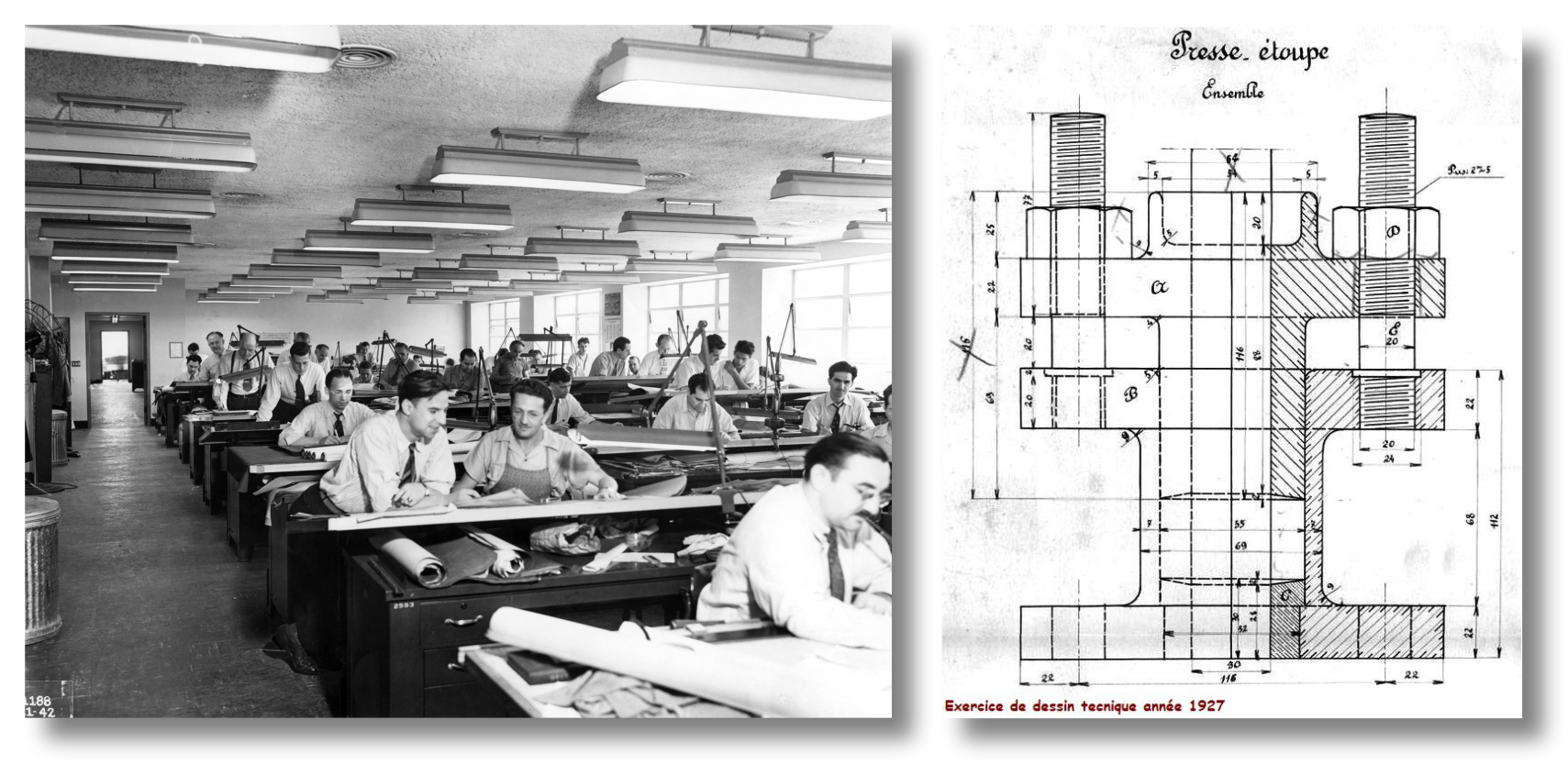
Looking at the Reddit forums, many seasoned CAD users take a "if it ain't broken, don't fix it" approach to their tool, and many dismiss rumours of a big change coming alongside LLMs. These users often have deep, career-long wisdom about the needs of the industry, and are probably right. That being said, you are not a veteran AirBus engineer are you? You are a food innovator. So if I were to build you a CAD-for-food (which I am), it would probably be different, right?
After 9 years of CAD frustration, including 5 years on food technology, I'll be damned if I cannot give you a better tool!
But what is CAD?
Okay, you know what CAD is. But if I asked you:
"What about CAD is good for business?"
What would be your best answer? I would ask you to stop reading, think about this for a few minutes and write your answer down on a piece of paper. I'll go pour myself a coffee...
[Noises in the distance, coffee machine whirling, clanging cups, coffee being poured, the muffled sound of idle chitchat]
... Did you write something down? This was my best answer:
A Great CAD tool provides the best test to the designer’s hypothetical design for the least effort
Today, CAD runs very very very good tests, whether it is 3D renders of widgets or physics-informed simulations for wind turbines. You can thank the huge leaps in computer chip technology for that.
But the effort to build something in CAD hasn't changed much since the 90s.
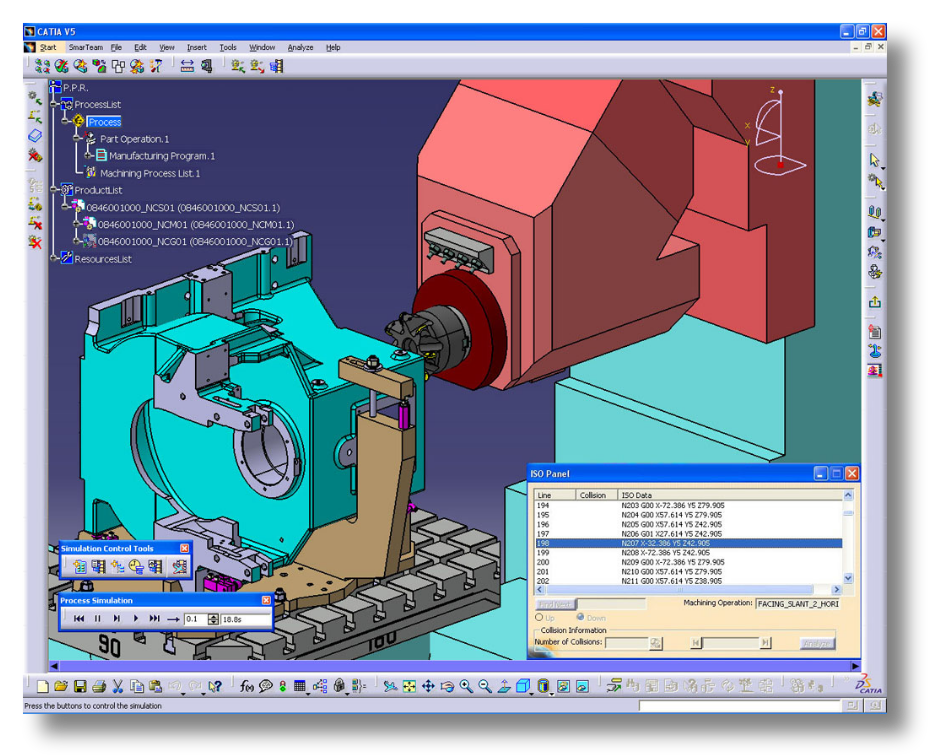
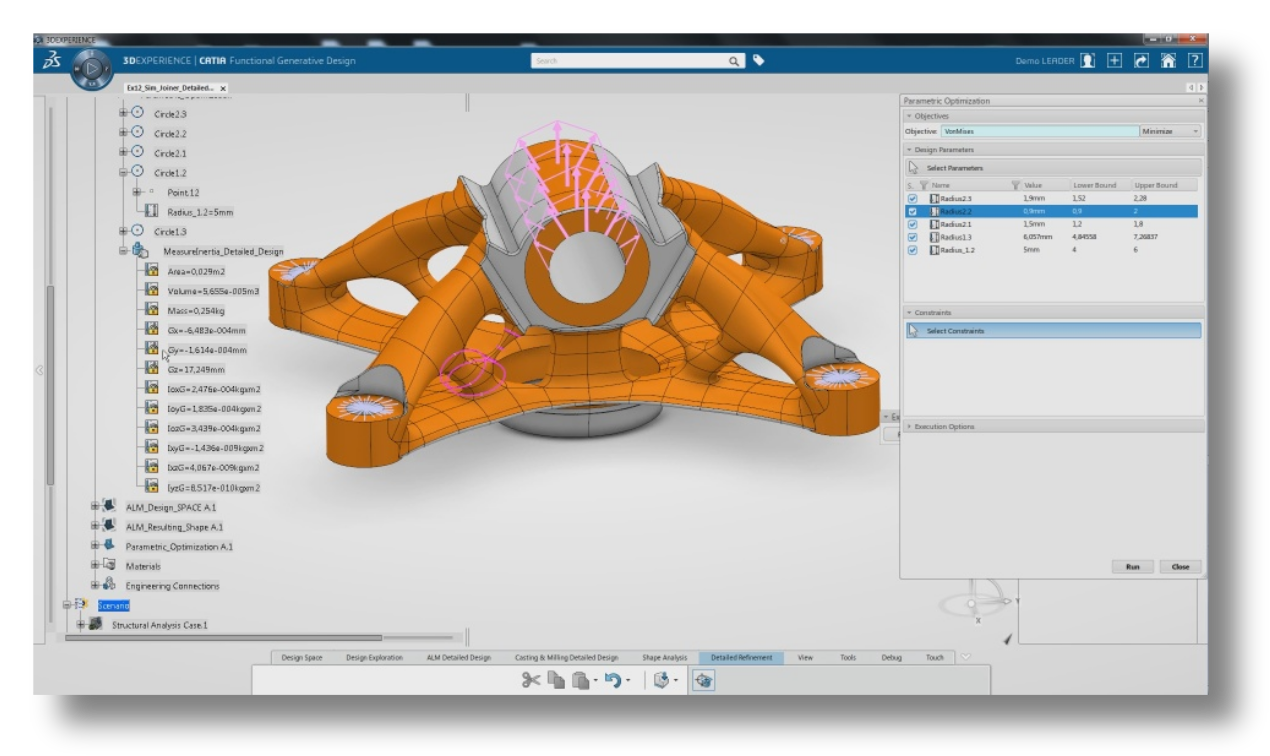
CAD software is fiddly; your ideas need to be filtered through mouse clicks and keyboard taps before they appear on a screen. Language would be a better medium for transmitting our ideas:
LLMs, more than mouse clicks, seem like a natural tool for CAD 2.0
What would LLM-enhanced CAD look like?
In the most concrete terms, the designer could use a prompt like “design me a teacup” and a CAD 2.0 software would offer a design, a specification, make choices on dimensions, materials, motifs etc. The rest of this section is dedicated to the abstract implementation of CAD 2.0 — you can skip to the end if it’s not your cup of tea.
The biggest hurdle to using LLMs for CAD 2.0 is that they need help to map a user's written instructions to geometry and 3D space. In other words, their spatial reasoning is nul. For example, if you ask ChatGPT to put a ball in a box, it might succeed. But if you asked it to put 20 balls in a box so they do not overlap each other, it will make a big mess.
My hypothesis is that an LLM cannot (yet) have full agency over the geometries and needs to work within constraints — i.e., a component library. The LLM can try to fulfil the prompt by decomposing the design into elements from the component library. If the LLM is uncertain, it can defer to the designer to provide more information. The designer should be able to choose to be more or less implicated in the design.
The component library need only be a collection of JSONs that the LLM can use as its template as it compiles a complex design. Plus, LLMs smooth out much of the experience by leveraging their pattern-matching capacities to match the user's prompt to the right component, e.g., “the user asked for a ball so I can use the sphere component.”
Closing thoughts
If you are more cynical, you may be thinking this is just another gimmick to add to the AI bubble. You might be right. But before you discard this idea completely, maybe you would like to give CAD 2.0 a go first?
I am adding a LLM-enhanced CAD feature to the RoseWorks platform software — the last major feature update this year — and your feedback would be invaluable. So consider signing up to the RoseWorks mailing list and get notified when it is released!